
South East Kelowna Irrigation District
Welcome to the South East Kelowna Irrigation District. Feel free to contact district staff if you can't find what you're looking for or need information not available on this site.
South East Kelowna Irrigation District
Welcome to the South East Kelowna Irrigation District. Feel free to contact district staff if you can't find what you're looking for or if you need information not posted on this site.
South East Kelowna Irrigation District
Welcome to the South East Kelowna Irrigation District. Feel free to contact district staff if you can't find what you're looking for or need information not available on this site.
South East Kelowna Irrigation District
Welcome to the South East Kelowna Irrigation District. Feel free to contact district staff if you can't find what you're looking for or need information not posted on this site.
South East Kelowna Irrigation District
Welcome to the South East Kelowna Irrigation District. Feel free to contact district staff if you can't find what you're looking for or need information not posted on this site.
South East Kelowna Irrigation District
Welcome to the South East Kelowna Irrigation District. Feel free to contact district staff if you can't find what you're looking for or need information not posted on this site.
South East Kelowna Irrigation District
Welcome to the South East Kelowna Irrigation District. Feel free to contact district staff if you can't find what you're looking for or need information not available on this site.
South East Kelowna Irrigation District
Welcome to the South East Kelowna Irrigation District. Feel free to contact district staff if you can't find what you're looking for or need information not posted on this site.

South East Kelowna Irrigation District
Welcome to the South East Kelowna Irrigation District. Feel free to contact district staff if you can't find what you are looking for or if you need information not posted on this site.
South East Kelowna Irrigation District
Welcome to the South East Kelowna Irrigation District. Feel free to contact district staff if you can't find what you're looking for or need information not available on this site.
South East Kelowna Irrigation District
Welcome to the South East Kelowna Irrigation District. Feel free to contact district staff if you can't find what you're looking for or if you need information not posted on this site.
South East Kelowna Irrigation District
Welcome to the South East Kelowna Irrigation District. Feel free to contact district staff if you can't find the information you're looking for or if you need information not available on this site.
South East Kelowna Irrigation District
Welcome to the South East Kelowna Irrigation District. Feel free to contact district staff if you can't find what you're looking for or if you need information not available on this site.
South East Kelowna Irrigation District
Welcome to the South East Kelowna Irrigation District. Feel free to contact district staff if you can't find the information you're looking for or if you need information not available on this site.
South East Kelowna Irrigation District
Welcome to the South East Kelowna Irrigation District. Feel free to contact district staff if you can't find what you're looking for or if you need information not posted on this site.
SEKID water project update - May 10
SEKID water project update information is now available..., ...
City Construction Schedule -Water Improvements
The Construction Schedule is available,Updates will be posted when available....
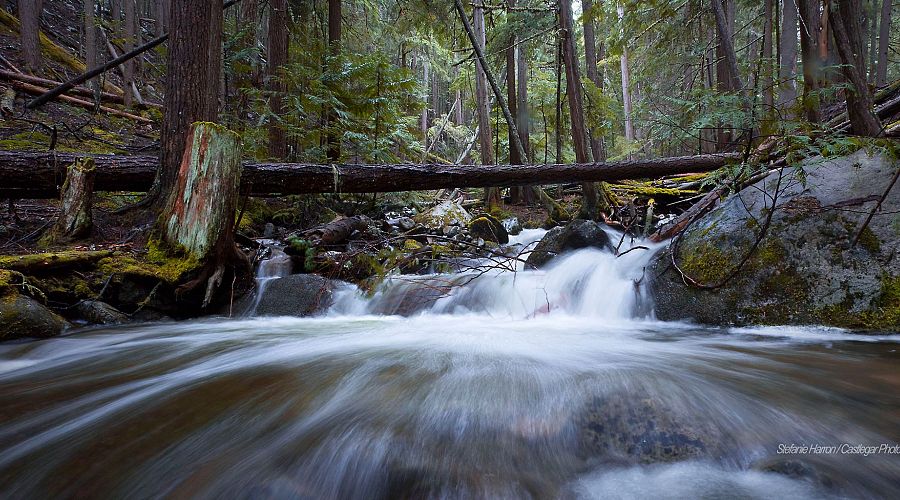
Spring runoff underway
Spring runoff is underway after a late winter surge of cool weather. Each yea...

Boil Water Notice Updated - May 7, 2018
The Boil water notice is still in effect.... ...

Residential Sprinkling Regulations in effect
Residential sprinkling regulations are in full effect in 2018. Follow t...
Do we have your email address?
SEKID is currently updating our client database to include email addresses for all of our customer records. Email is an increasingly important way to communicate with our rate payers, quickly and cost-effectively.